Inside the ZenTools Blog
Guides, walkthroughs, and tutorials for working with video, audio, image, and PDF files — privately and locally in your browser.
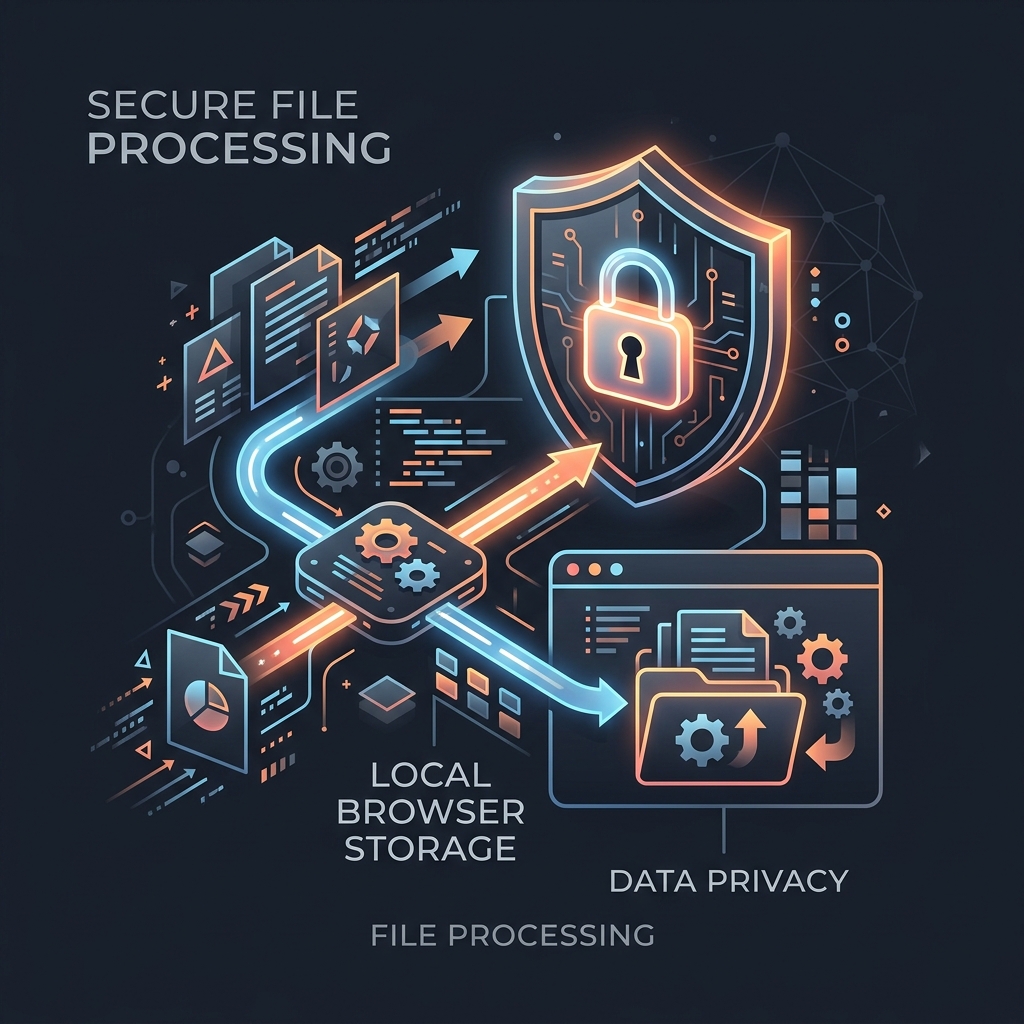
Introducing ZenTools: 100% Private, Browser-Native File Utilities
Discover ZenTools, a suite of free, private, and high-performance browser-native file utilities. Compress large videos, convert audio formats, trim clips, batch process images, and transform PDF files without uploading a single byte to a remote server. Everything is processed instantly and securely in your local browser sandbox.
All Articles (Page 1 of 5)
How to Loop a Video Online
Need a video that plays on repeat? Here's how to loop any video and export it as a single seamless MP4 — without software installs or file uploads.
Best Free Video Looping Tools in 2026
A practical comparison of the best free tools for looping video files — browser-based, desktop, and command line — with a note on which ones actually keep your files private.
How to Convert Video to GIF Online
GIFs work in email, Slack, and everywhere video doesn't. Here's how to convert any video clip to a sharp animated GIF — without installing anything or uploading your file.
How to Optimize Animated GIFs for Web and Chat Apps
Animated GIFs are notoriously large. Here's exactly which settings to change to cut GIF file size by 60–80% without making them look choppy or washed out.
How to Compress a Video Without Losing Quality
Video files are huge by default. Here's how H.264 encoding works, which quality settings to choose, and how to reduce file size by 50–70% without a visible quality drop.
H.264 Video Compression Explained (In Plain English)
H.264 is behind most videos you watch, but most people don't know what it actually does. Here's a plain-language explanation of how it works and what the settings mean.
How to Trim a Video Online for Free
Need to cut the first 10 seconds off a clip or remove a dead ending? Here's how to trim any video in your browser, free, without re-encoding or quality loss.
Stream Copy vs Re-encoding: What's the Difference?
Cutting a video should be instant and lossless — but only if the tool uses stream copy. Here's what stream copy is, when it works, and when re-encoding is unavoidable.
How to Combine Videos Online for Free
Whether you're joining two clips or merging a dozen, here's how to combine video files into one MP4 directly in your browser — no software, no upload.